

Async Poker game process
Last updated
Async Poker game mode of Magic Estimations for Jira Cloud is inspired by the Planning Poker card game and optimized for remote and distributed teams. This page explains how it works:
Async Poker mode overview
Async Poker or simply Async game mode of Magic Estimations has been inspired by the Planning Poker framework but optimized for remote and distributed teams. Our solution inherits the gamified consensus-based core of the card game, but we use lanes (columns) of the collaborative estimation board instead of cards.
Unlike Planning Poker game process where the game is fully interactive, Async mode allows taking your time to do estimates at your own pace and only discuss final points if there is a big difference between the team members' personal estimates.
Async estimation process consists of 3 main steps:
- A moderator creates a game, selects issues and prepares the estimation board (pins reference issues, distributes already estimated ones).
- The game moderator starts the asynchronous estimation, where every participant estimates issues separately on their own Magic Estimations boards.
- A Planning Poker game with pre-populated votes from the participants' async estimates. The game moderator can finalize estimates based on async results or interactively re-estimate some issues.
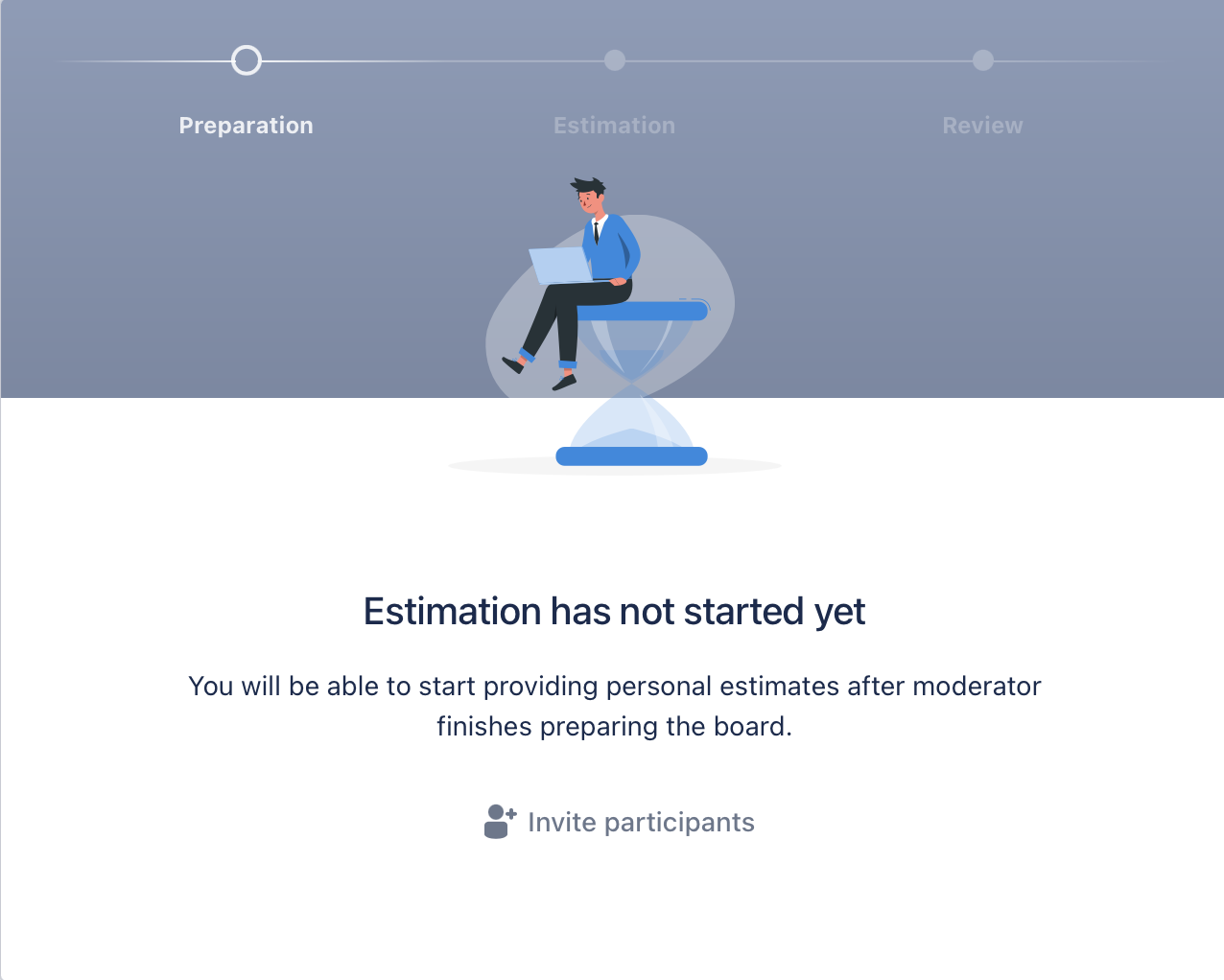
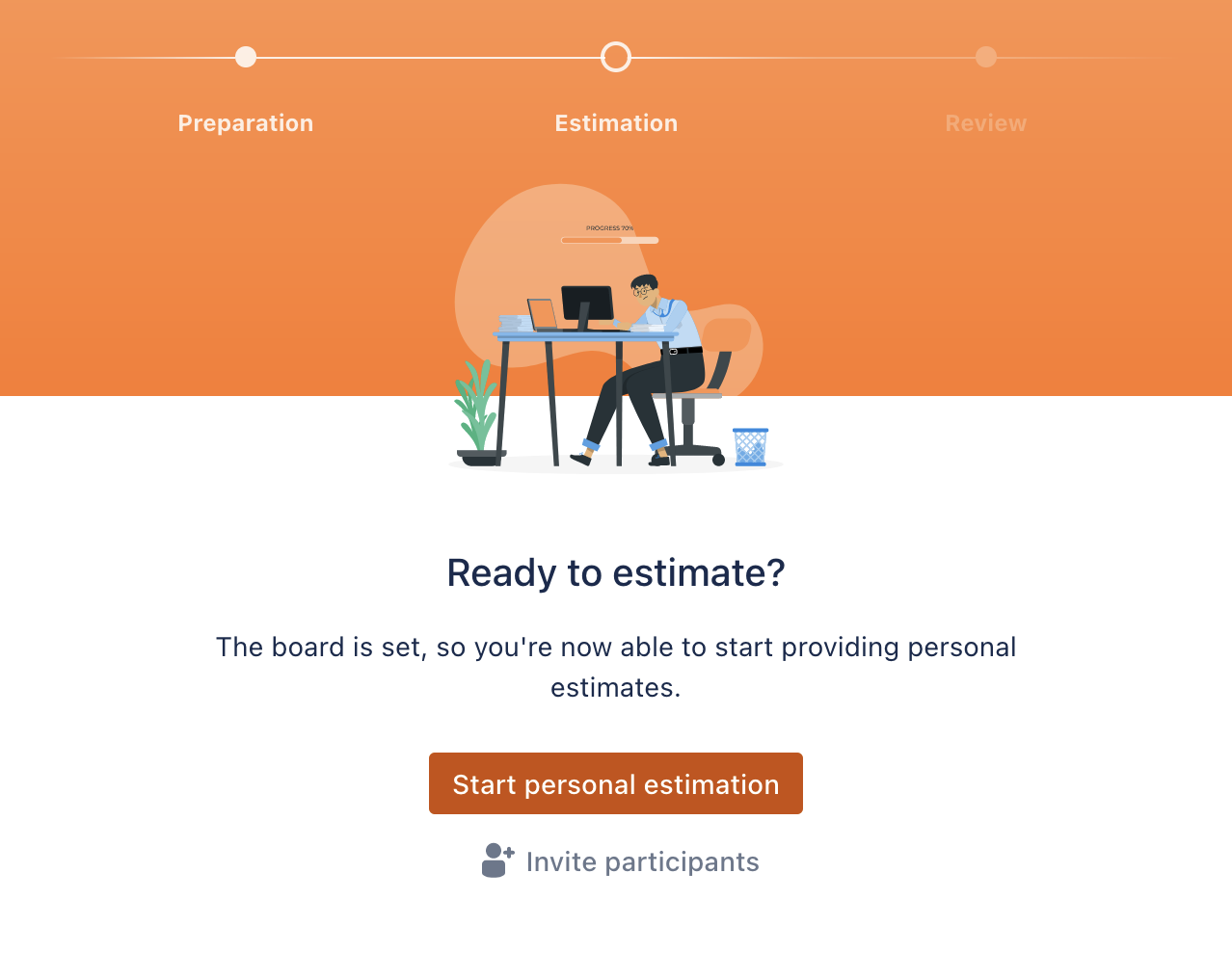
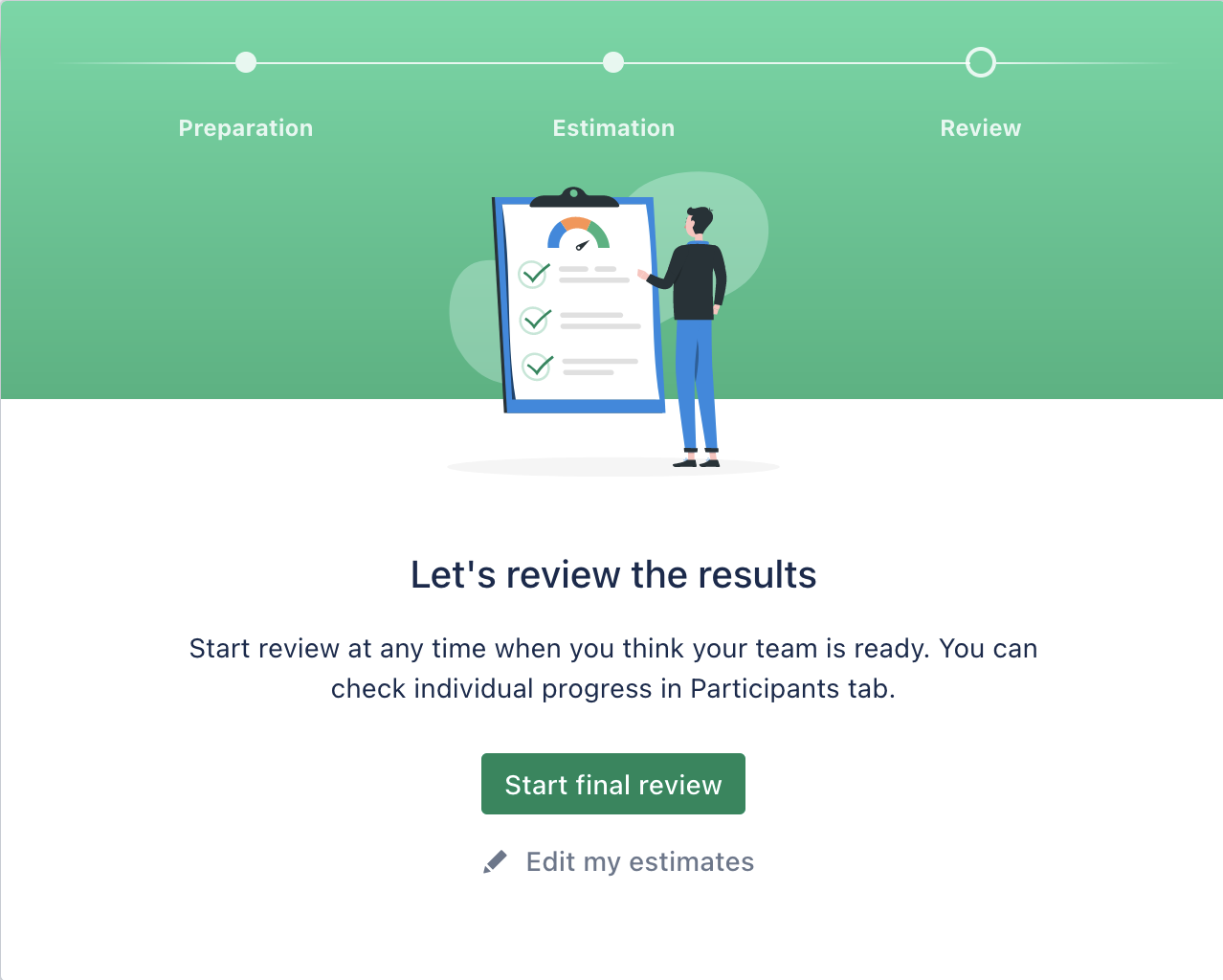
Step 1: Create the game and prepare the board
The Async mode is available while creating a new estimation game, check the creation details and configuration examples on Starting and configuring sessions page.
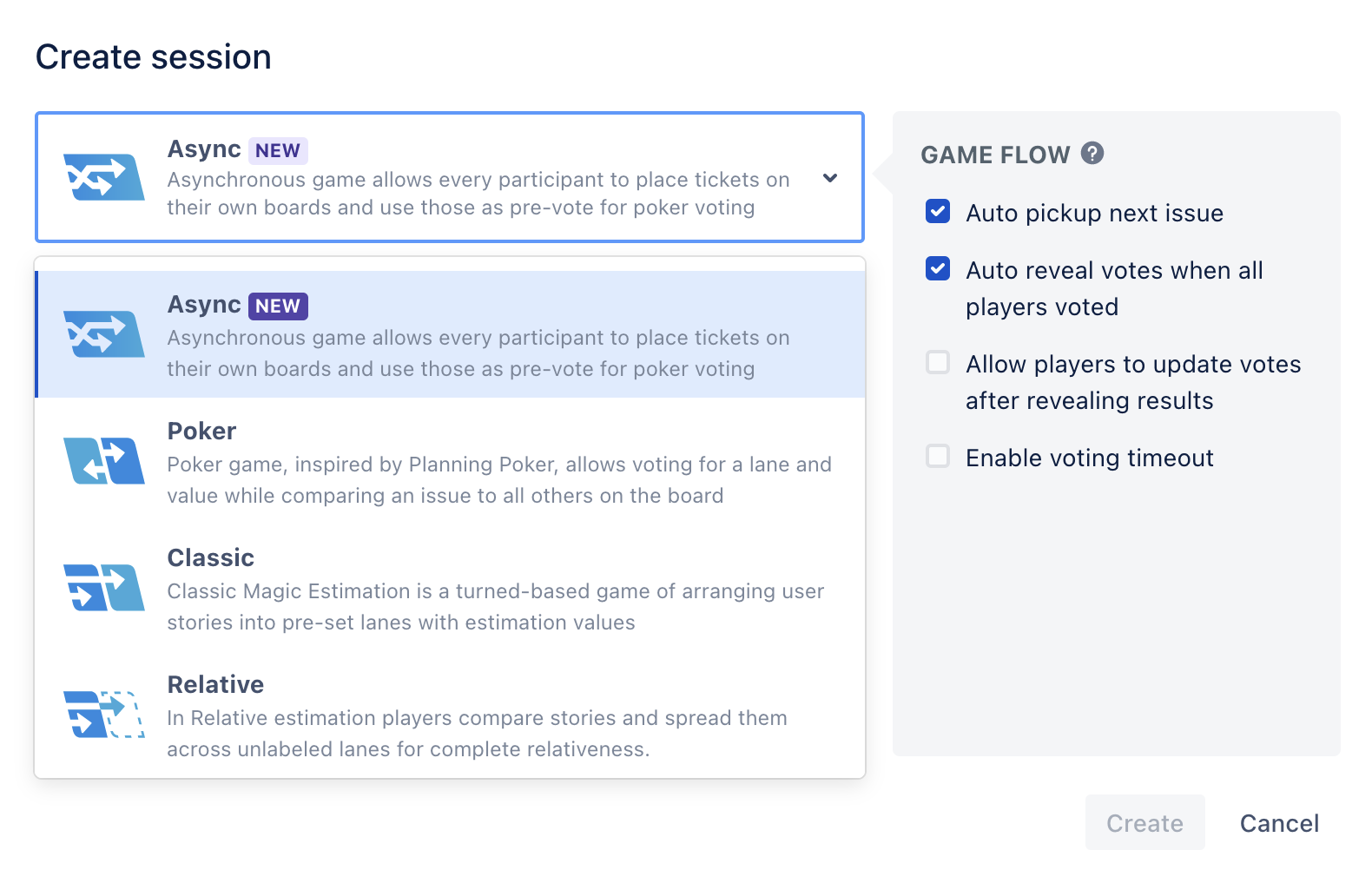
Specify the game backlog, prepare the board if needed and start the Async estimation.
Step 2: Async estimation
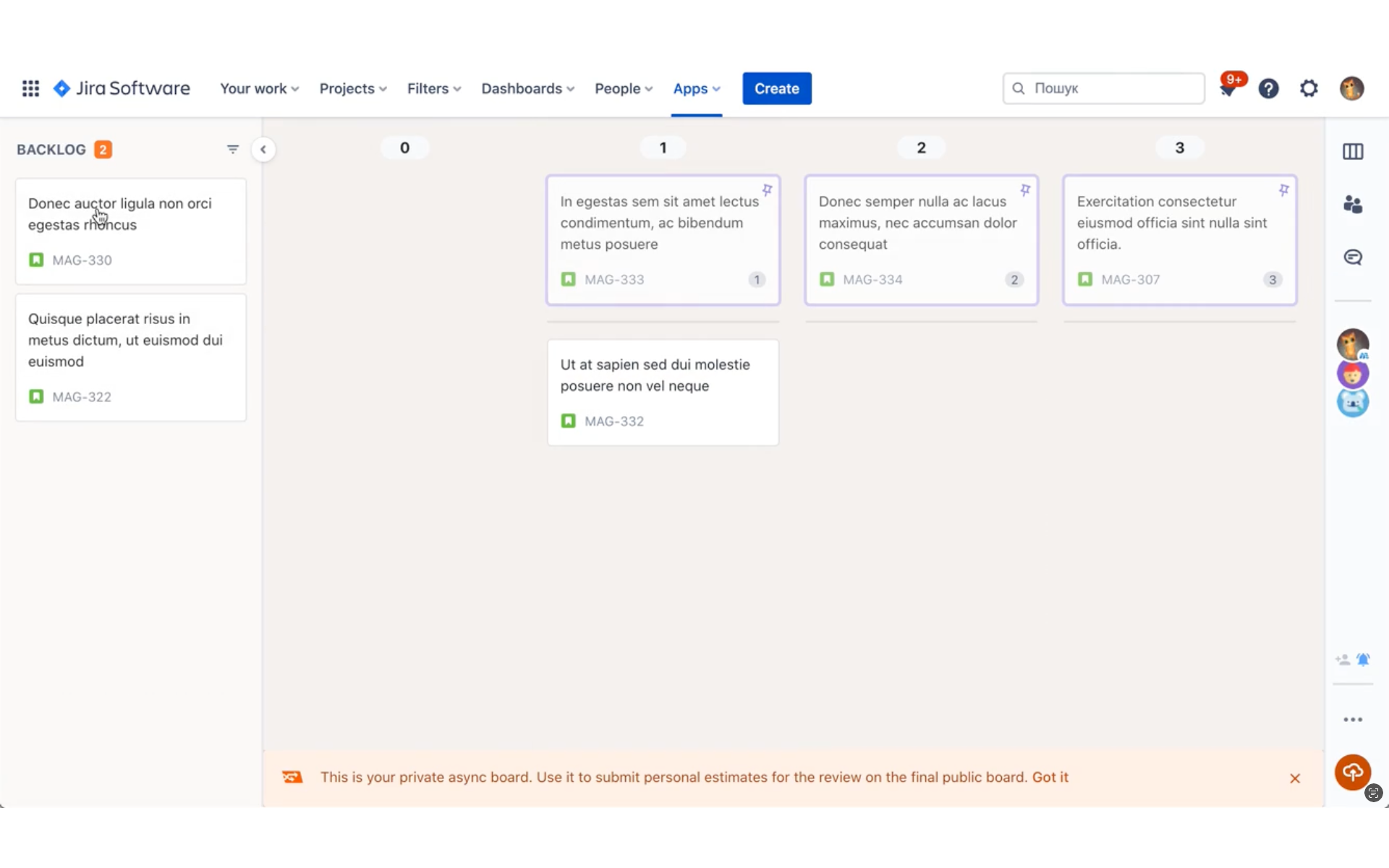
This is a step when app participants get their own boards for personal estimation. Spread the issues through the lanes according to their estimates.
Make sure you submit the estimates at the end:
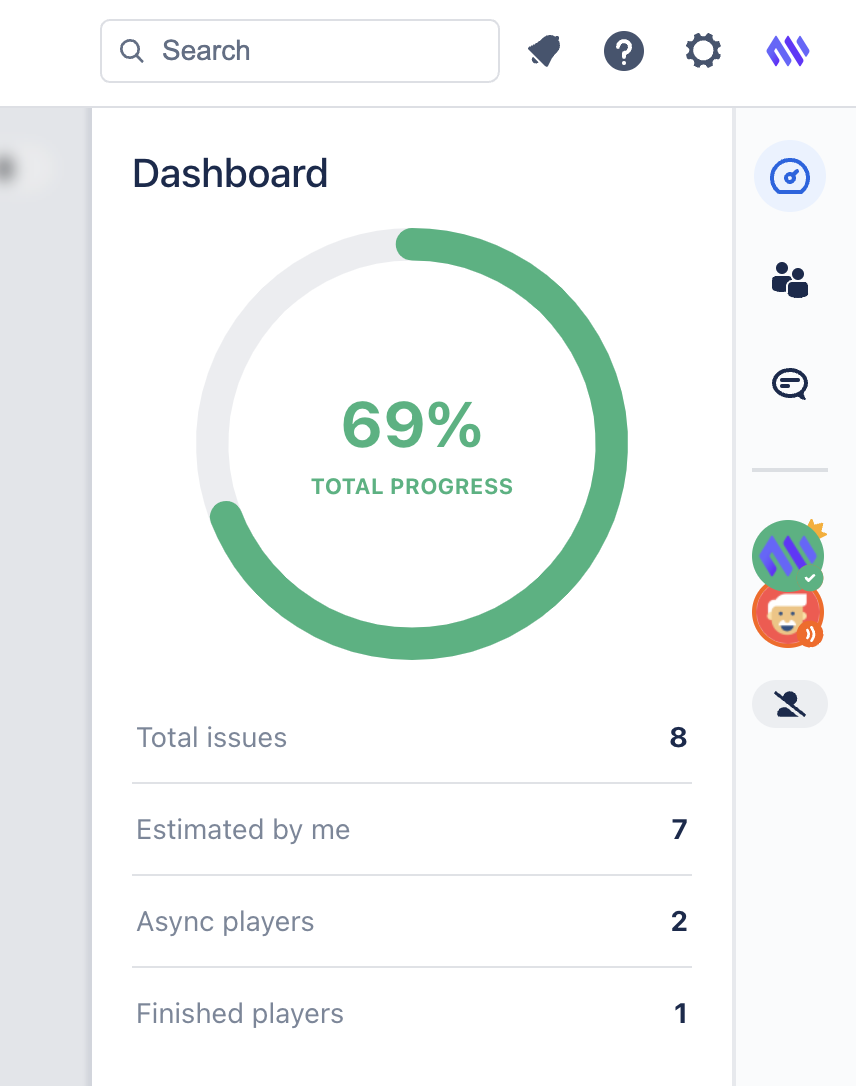
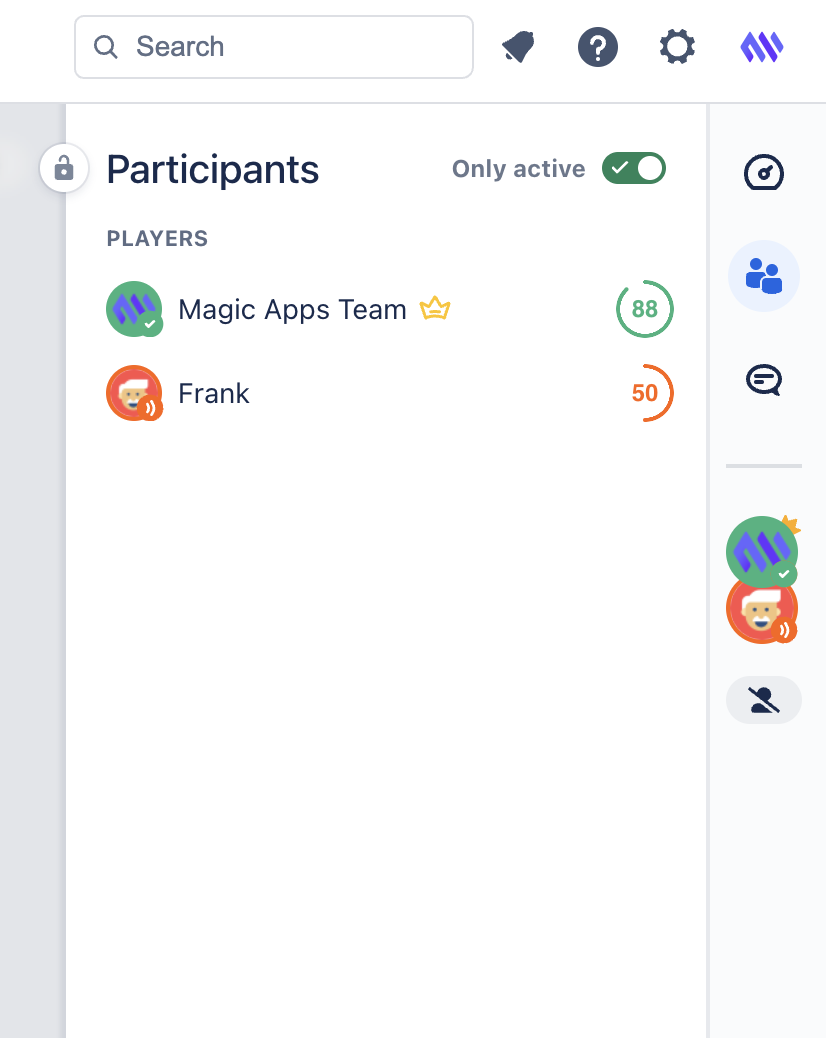
Monitor total and personal Async progress in the Dashboard and Participants tabs:
Step 3: Interactive review
Play a Plannig Poker game with your team to finalize the estimates. All the submitted async votes are pre-populated in the game, but game owner can restart the voting to get new estimates from the participants if needed:
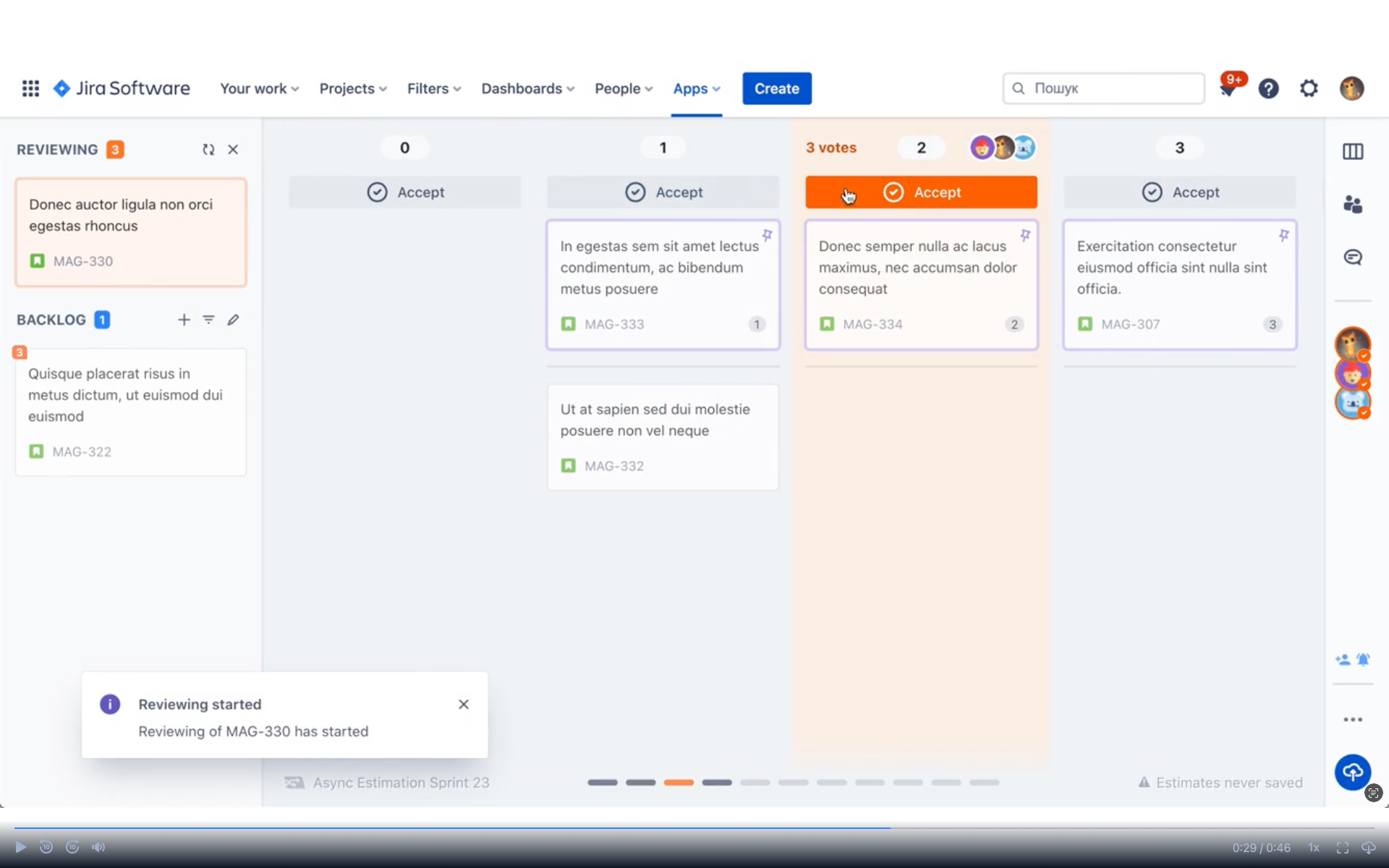
Alternatively, the game moderator can review votes and submit final estimates on their own.
Pecularities of Async game
While all of the board features listed in Estimation process are valid, some of them have specific behavior.
Backlog editing is not allowed in the Async estimation step. However, the Quick add and Suggest estimate feature is available: Estimation process with some changes:
- When non-moderators suggest issues to be added, they are automatically added to the board of the participant suggested.
- If the moderator rejects the suggestion, the issue simply won’t appear on the final Review board.
- When the moderator adds or approves issues to be added to the game, it will appear on all of the personal Async boards.
Have a productive estimation!