

Global permissions
Last updated
Jira administrators can control access to Magic Estimations for Jira Cloud for user groups through Jira’s global permissions. This page explains how the configuration works:
Overview
Once installed, Magic Estimations app is available from the Apps menu to all Jira users. This is subject to configuration by Jira administrators.
Navigate to: System → Security → Global permissions to locate the corresponding configuration.
General access
In order to grant or revoke general access to Magic Estimations (including the Export entry point from Advanced issue search) use Allow Magic Estimations permission:
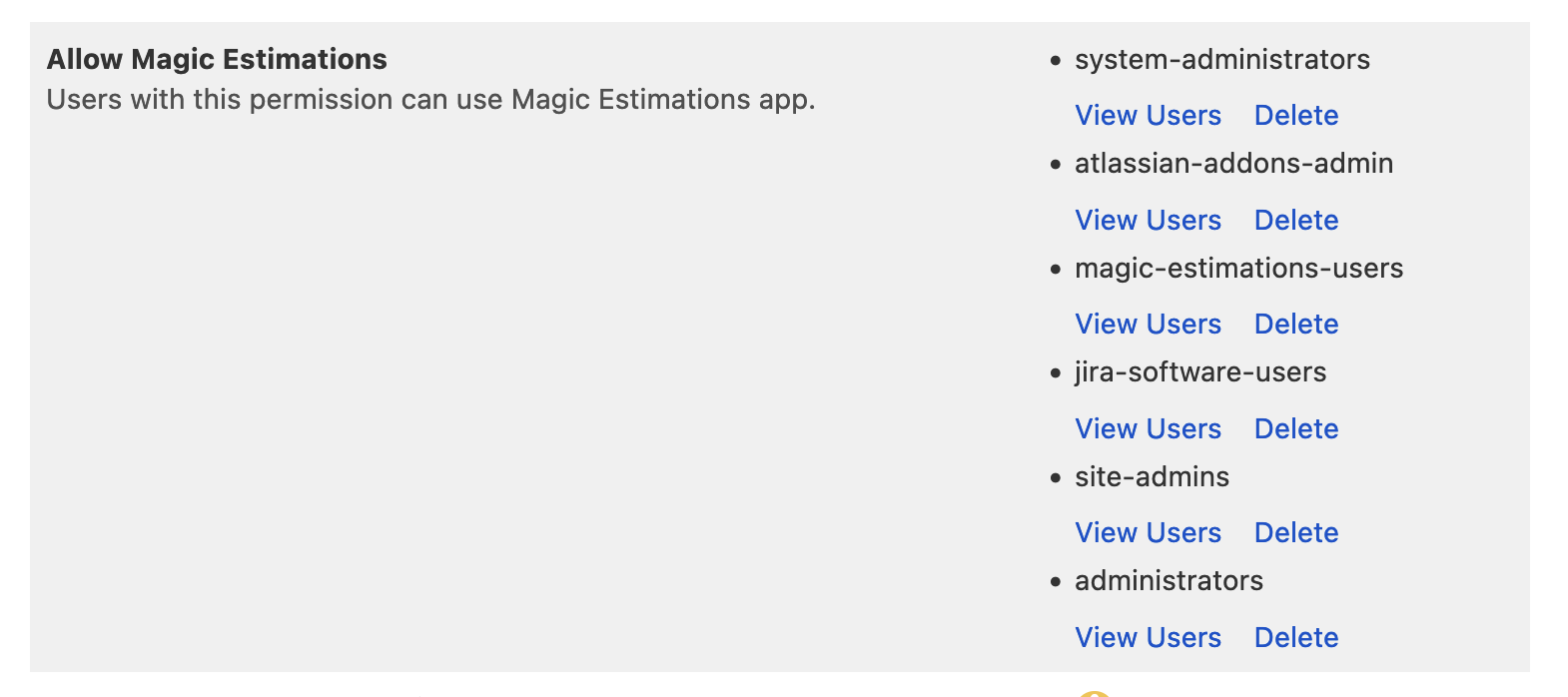
Users outside User groups added to this global permission will not see Magic Estimations in the Apps menu and on the Advanced issue search page and won’t be able to join estimation sessions.
Advanced issue search entry point access
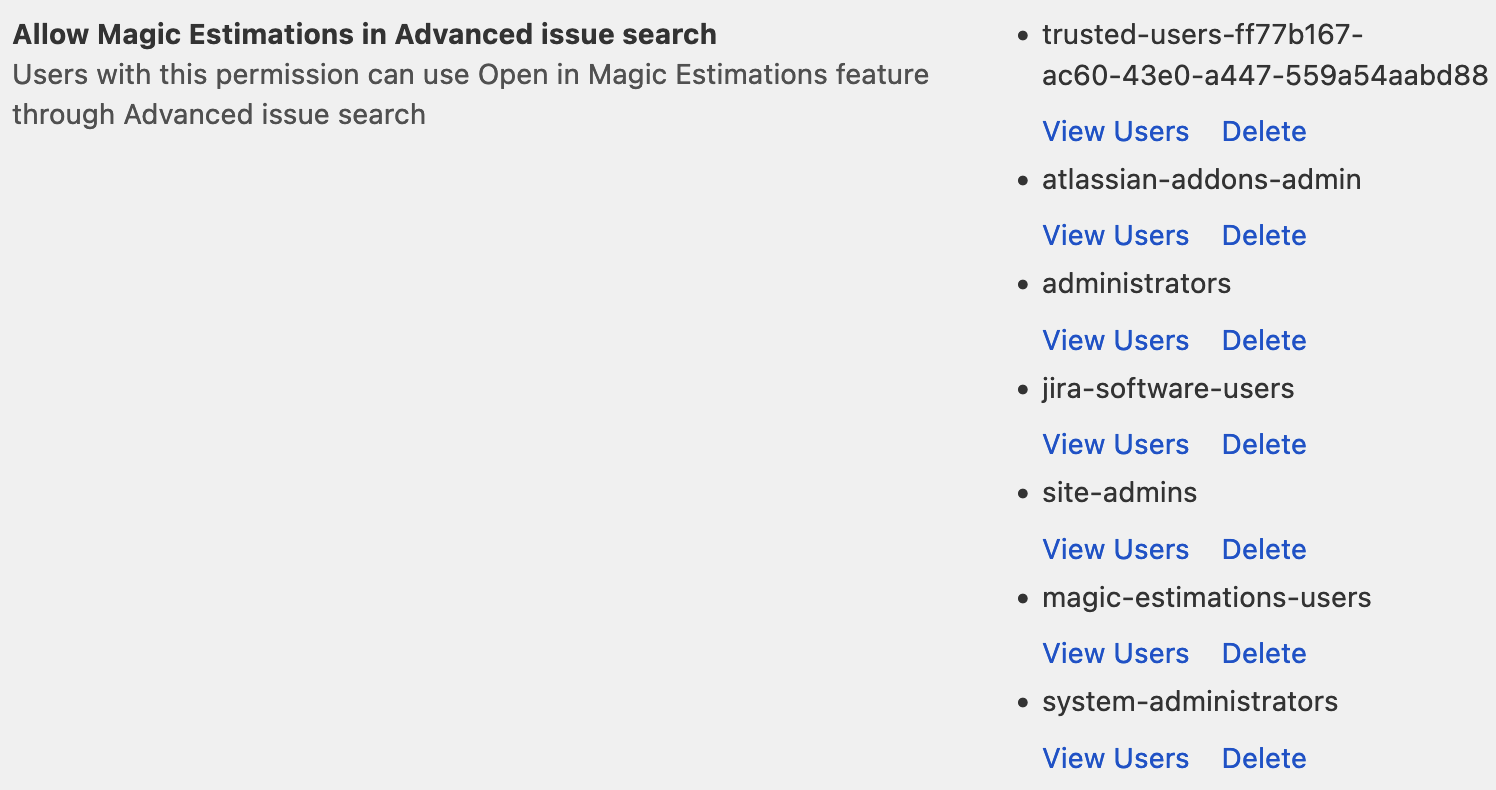
The secondary entry point to Magic Estimations can be found on the Advanced issue search/Filters page, click for more details. This entry point will be disabled for users without the Allow Magic Estimations global permission. However, there is a way to disable just it without removing access to the app. Use Allow Magic Estimations in Advanced issue search permission for this:
Have a productive estimation!